How to Make a GST Bill on Mobile in 30 Seconds (Step-by-Step)
Make a GST bill on your mobile in 30 seconds. Step-by-step process, the GST rate check, WhatsApp + UPI sharing, and 5 mistakes that make a bill invalid.
Platform Owner · · 6 min read
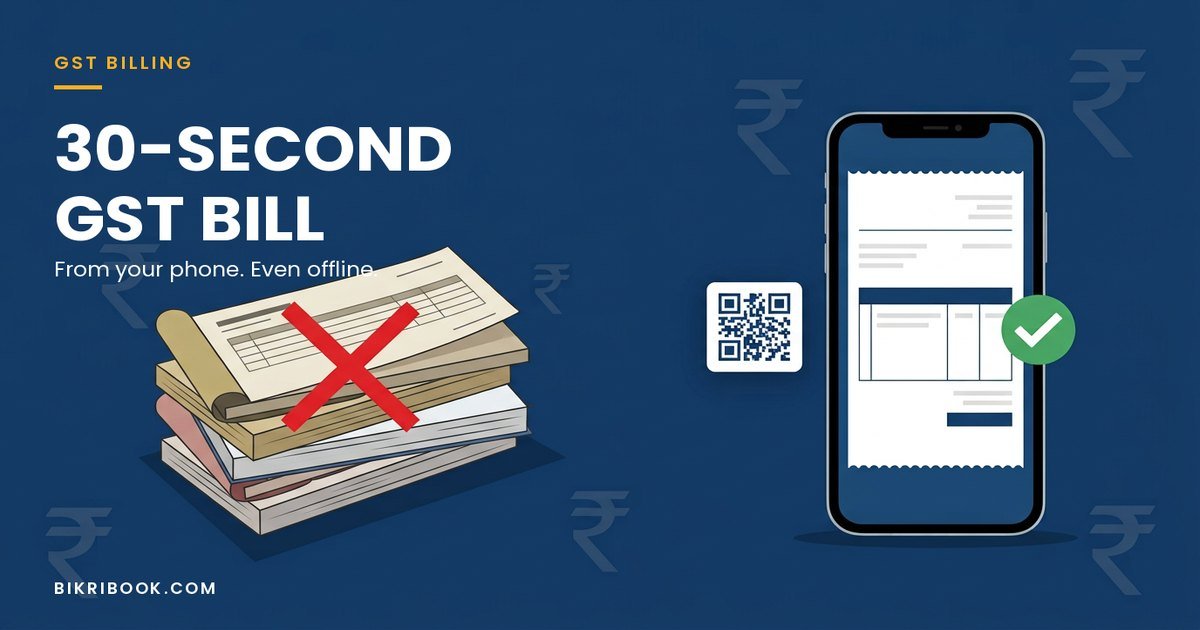
Quick answer: To make a GST bill on mobile, open your billing app, select the customer, add items with their HSN code and GST rate, and save. The app calculates CGST/SGST automatically, assigns the next invoice number, and updates stock. Share it on WhatsApp with a UPI QR so payment comes to the same message. It takes about 30 seconds.
That is the whole process. Everything below is the detail that decides whether your bill is a valid tax invoice or a piece of paper your customer's accountant will reject.
What is a GST bill?
A GST bill — more precisely a tax invoice — is the document a registered seller issues when goods or services are sold. It must show the seller's GSTIN, the buyer's details, the HSN or SAC code, the taxable value, the GST rate, and the CGST/SGST or IGST split.
A "bill" without a GSTIN and GST breakup is just a plain bill. Both are legal; only the tax invoice lets your customer claim input tax credit. If you are unsure which one you are issuing, read what a pakka bill actually is first.
What you need before you make your first bill
| Requirement | Why it matters |
|---|---|
| GSTIN (optional) | Needed for a tax invoice. You can bill without one using plain non-GST invoices. |
| Business name & address | Printed on every invoice |
| HSN code per item | Required on GST invoices above the turnover limit; always recommended |
| Correct GST rate | 5%, 18% or 40% under the current structure |
| An invoice number series | Must be consecutive and unique — no duplicates, no gaps you cannot explain |
| Customer name & GSTIN | Mandatory if the customer is registered and the value is ₹50,000 or more |
How to make a GST bill on mobile in 30 seconds
- Open the app and tap New Invoice. In BikriBook, the home screen is the billing screen — no menus to dig through.
- Pick the customer from your saved list, or skip it for a walk-in retail sale. For a walk-in under ₹50,000 you can bill without their details.
- Add the items. Type the item name and the price; the GST rate and HSN code you set once carry over automatically.
- Check the rate. Confirm the item sits in the right slab. The 12% and 28% slabs no longer exist — most mass-consumption goods are 5%, most goods and services are 18%, and a small list of sin and luxury goods is 40%.
- Let the app compute the tax. CGST and SGST for a sale inside your state, IGST for a sale across states. Never calculate this by hand at the counter.
- Save. The invoice number is assigned from your series, the stock quantity reduces by the quantity sold, and the amount enters your sales register.
- Share and collect. Send the invoice PDF on WhatsApp with a UPI QR in the same message, so the customer pays before leaving the counter.
What a valid mobile GST bill must show
- The words "Tax Invoice" (not "bill" or "estimate")
- Your legal business name, address and GSTIN
- A consecutive invoice number and the date of issue
- Customer name, address and GSTIN, if registered
- Description of goods or services with HSN/SAC code
- Quantity, rate per unit and taxable value
- The GST rate applied, with CGST and SGST shown separately for intra-state sales, or IGST for inter-state
- Total invoice value in figures and words
- Place of supply
- Signature or digital signature of the supplier
Miss the place of supply, or show a single "GST 18%" line instead of the CGST/SGST split, and the invoice is technically defective even if the arithmetic is right.
How to send the bill and get paid
A paper bill gets photographed and lost in a WhatsApp chat. A PDF with a payment link does not.
The most effective sequence for a small business:
- Save the bill, then tap Share on WhatsApp.
- The customer receives the invoice PDF plus a UPI QR for the exact amount.
- They scan, pay, and the payment is recorded against that invoice.
- If they do not pay by the due date, the invoice shows up in your overdue list and you send a one-tap reminder.
That last step is where most shops lose money. See the 12 payment reminder templates for the exact wording.
5 mistakes that make a mobile GST bill invalid
- Duplicate or non-consecutive invoice numbers — happens when you bill from two phones without syncing.
- Wrong HSN code or rate — the most common cause of ITC mismatch for your customer, and they will come back to you for a credit note.
- Missing place of supply on an inter-state sale, which throws the IGST vs CGST/SGST split wrong.
- Billing from a personal number with no GSTIN and then claiming it was a tax invoice.
- Not recording the sale at all when the internet is down, so the day's cash does not match the books.
Can I make a GST bill without internet?
Yes, and this matters more than most software vendors admit. Shops in markets, warehouses, and mandis regularly lose signal. A billing app that needs a live connection stops working exactly when a queue is forming.
BikriBook queues bills offline on the phone and syncs them automatically when the connection returns. You keep billing, the invoice numbers stay in sequence, and nothing lands in the books twice. More on that in billing software that works offline.
Do I need a GSTIN to make a bill?
No. If your turnover is below the registration threshold, or you are a freelancer billing a non-registered customer, you can issue a plain non-GST bill with its own separate numbering series. When you register later, GST invoicing switches on and the two series stay separate — which is exactly what a GST officer expects to see.
FAQs
Can I create a GST bill on my phone without any software?
Legally yes — you can use a printed bill book or a PDF template. Practically, manual bills break down on invoice numbering, GST calculation at the current slabs, and GSTR-1 data, which is why most shops move to a billing app within a month.
Is a mobile GST bill valid for input tax credit?
Yes, provided it is a proper tax invoice with the supplier's GSTIN, your GSTIN, the HSN/SAC code, the correct tax split and a valid invoice number. Format matters, not the medium — a phone-generated PDF is as valid as a printed one.
How much does a GST billing app cost?
BikriBook is free for 14 days with every feature unlocked, then plans start at ₹499 per month. There is also a free plan with 20 invoices a month for very small shops. See pricing.
How long does it take to set up?
Under five minutes. Add your business details once, then add 10 items. Most businesses raise their first GST invoice the same day.
Can my accountant see the bills I make?
Yes. You can invite your CA with read-only access so they can pull GSTR-1 and GSTR-3B data without touching your books.
Make your first GST bill in the next 5 minutes. Start a 14-day free trial — no credit card, no setup fee. Start free → bikribook.com/register · Install the app
Frequently asked questions
- Can I create a GST bill on my phone without any software?
- Legally yes — you can use a printed bill book or a PDF template. Practically, manual bills break down on invoice numbering, GST calculation at the current slabs, and GSTR-1 data, which is why most shops move to a billing app within a month.
- Is a mobile GST bill valid for input tax credit?
- Yes, provided it is a proper tax invoice with the supplier's GSTIN, your GSTIN, the HSN/SAC code, the correct tax split and a valid invoice number. Format matters, not the medium — a phone-generated PDF is as valid as a printed one.
- How much does a GST billing app cost?
- BikriBook is free for 14 days with every feature unlocked, then plans start at ₹499 per month. There is also a free plan with 20 invoices a month for very small shops. See [pricing](/pricing).
- How long does it take to set up?
- Under five minutes. Add your business details once, then add 10 items. Most businesses raise their first GST invoice the same day.
- Can my accountant see the bills I make?
- Yes. You can invite your CA with read-only access so they can pull GSTR-1 and GSTR-3B data without touching your books.