Android
Open BikriBook in Chrome, tap the ⋮ menu, then "Add to Home screen".
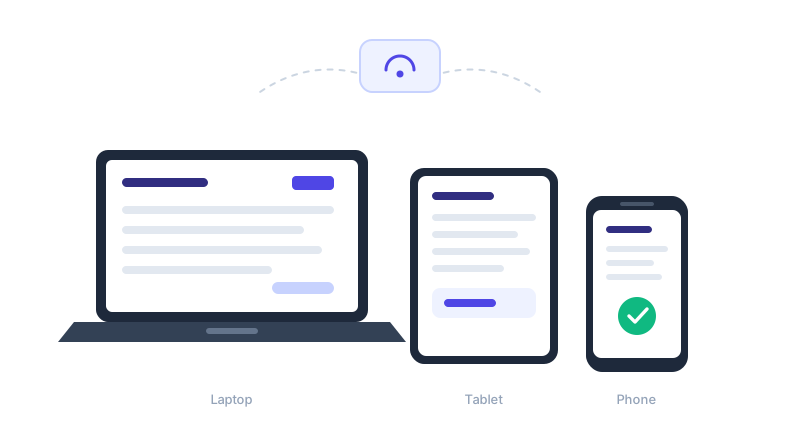
BikriBook runs in your browser, so there is nothing to download or update. Add it to your home screen and it behaves exactly like an app.
Open BikriBook in Chrome, tap the ⋮ menu, then "Add to Home screen".
Open in Safari, tap the Share button, then "Add to Home Screen".
Works in Chrome, Edge, Firefox and Safari. Just bookmark it.
Install the BikriBook app on your phone — bill even without internet, send invoices on WhatsApp and get payment reminders. No app store needed.
Save a GST bill before the customer leaves the counter.
No signal? Bills queue on the phone and sync later.
Get notified about overdue bills and send a WhatsApp nudge.