Live stock levels
Selling reduces stock; purchase bills increase it. No separate data entry.
Every invoice and purchase bill moves stock automatically. See what you have, and what to reorder.
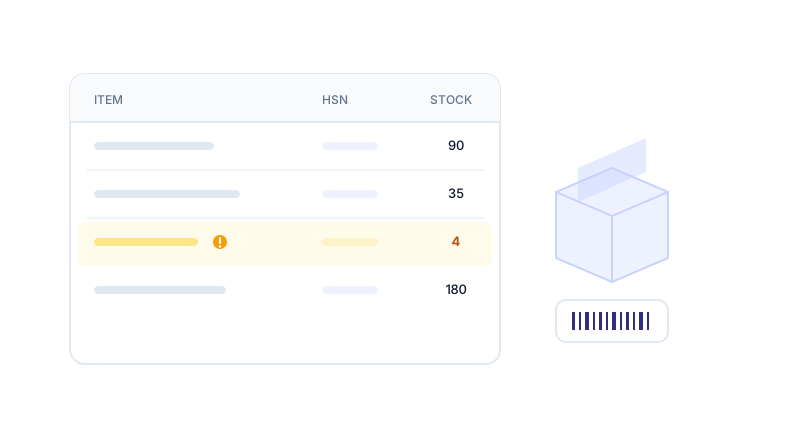
Selling reduces stock; purchase bills increase it. No separate data entry.
Set a reorder level per item and see what needs buying on the dashboard.
Raise a PO, then convert it to a purchase bill when goods arrive.
Every movement recorded with its source document.
Stock value at purchase cost, ready for your balance sheet.
Service items are never stock-tracked, so your reports stay clean.
Name, SKU, HSN, unit, purchase and sale price, and a reorder level.
Invoices reduce stock, purchase bills increase it. There is no separate stock entry.
Anything at or below its reorder level is flagged on the dashboard and in reports.
Stock on hand at purchase cost, ready for your balance sheet.
Install the BikriBook app on your phone — bill even without internet, send invoices on WhatsApp and get payment reminders. No app store needed.
Save a GST bill before the customer leaves the counter.
No signal? Bills queue on the phone and sync later.
Get notified about overdue bills and send a WhatsApp nudge.